When logged into an event in the mobile app, all guest information can be accessed from the left sidebar menu by tapping the three-line menu icon in the top-left corner of the header/navigation bar.
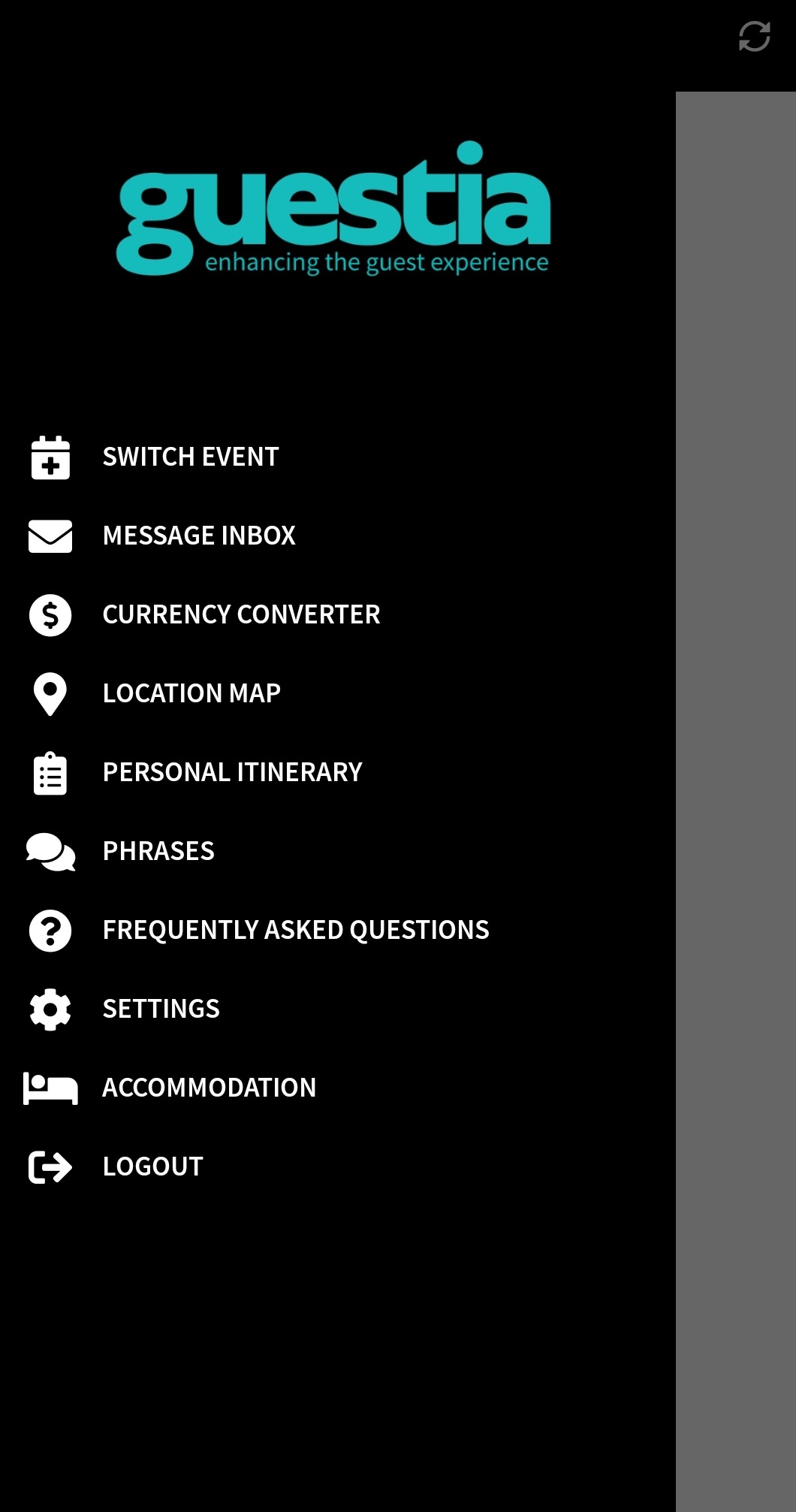

Select Accommodations from the menu to view all accommodation details for the guest.

Accommodation information will only display in the mobile app if plans have been assigned to the guest and the Accommodations feature has been enabled for the Event Brand via the App Builder (see example below).

Was this article helpful?
That’s Great!
Thank you for your feedback
Sorry! We couldn't be helpful
Thank you for your feedback
Feedback sent
We appreciate your effort and will try to fix the article